Website Download Instructions
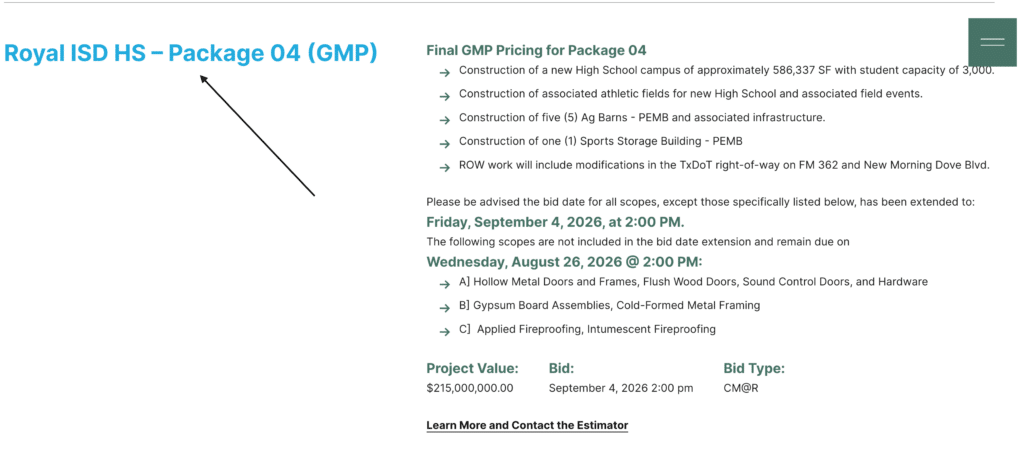
1. Once you have reached the Durotech Plan Room Page, select the project you want to download files from.
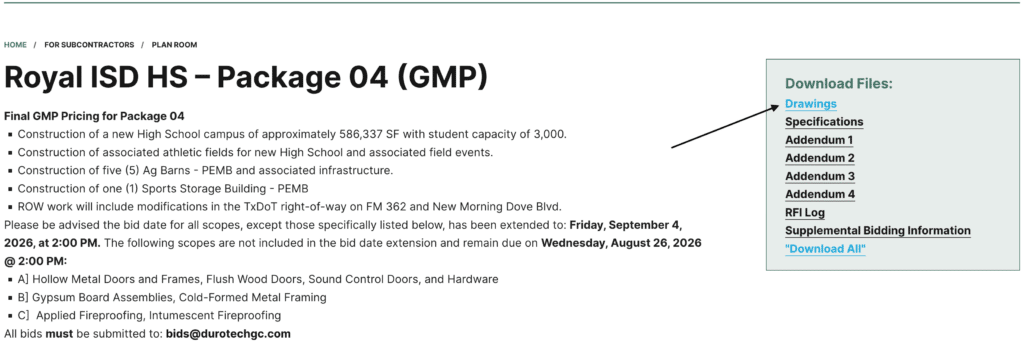
2. Select the specific file to download from the Download Files box on the right side of the page. This will open a preview page for the file you’ve selected.
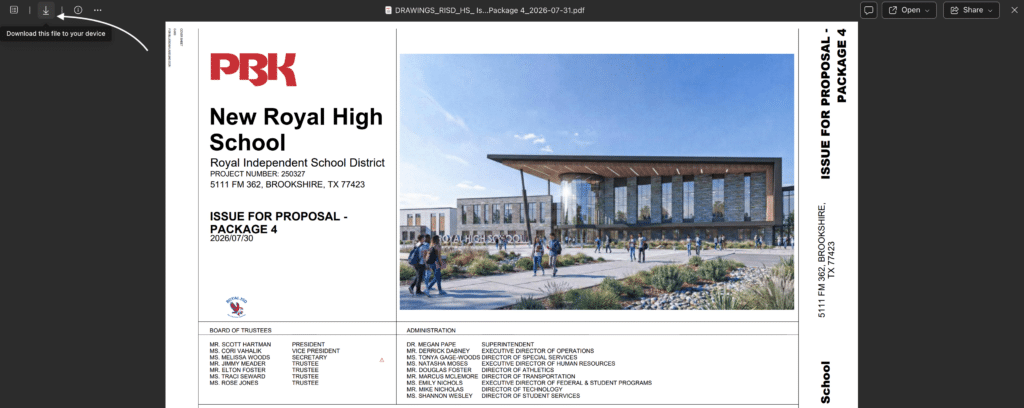
3. Click the Download button in the top left corner to download your selected file.